 Photo vault for Android
Hiding is not encrypting
Many apps only rename files or put them in a hidden folder that any file manager can find. This one does not.
AES-256-GCM on every file
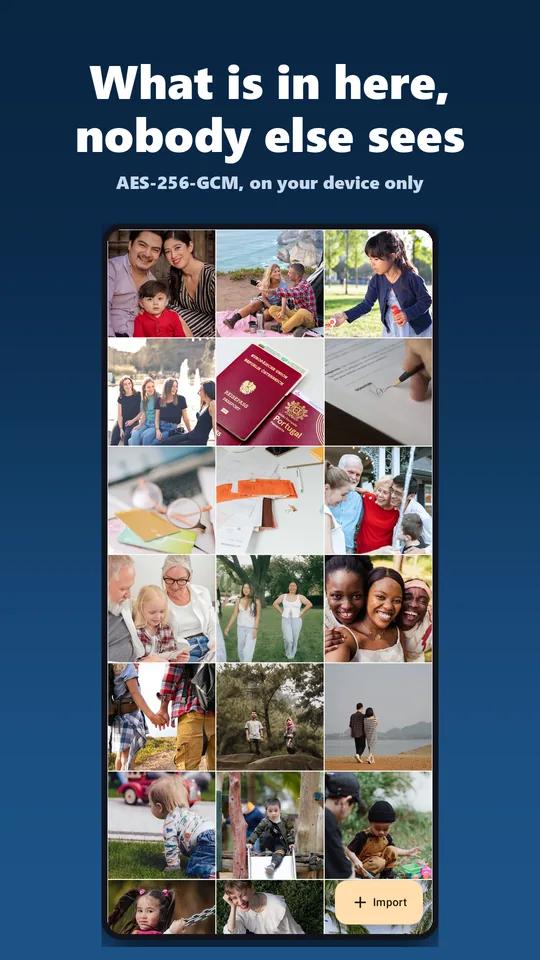
Every file is encrypted individually, right at import, and removed from your normal gallery.
Tampering gets noticed
Altered files are detected when opened and rejected, not handed back silently altered.
No stored password
Your password is not stored in any form, not even as a hash. Locking the app drops the key from memory.
Not in the cloud backup
Your data is excluded from Android's automatic backup. You create backups yourself as a local file, encrypted and kept wherever you put it.
What is in the vault
Private gallery
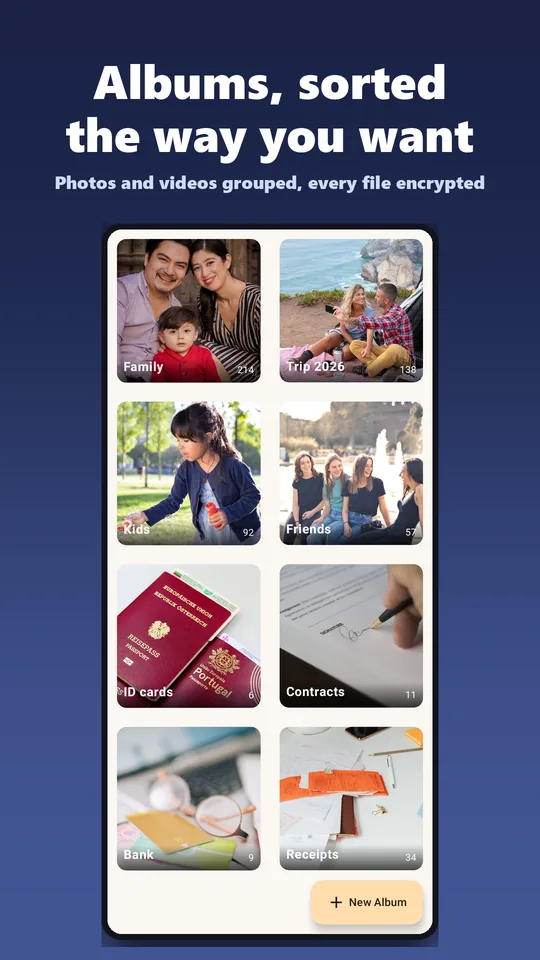
Import photos and videos, as many as you want, sort them into albums, view them in full screen. Video playback inside the app, seeking included.
Overview
After unlocking you land in a menu: files, albums, camera, file vault, recycle bin and settings.
Fingerprint
Biometric unlock through the Android keystore. Optional, switch it off any time.
Uninstall protection
Someone who gets hold of your phone cannot delete the app while the protection is active. Optional and off by default.
Secure camera Pro
Take photos straight into the vault. The photo never ends up in the gallery and is never stored unencrypted, and metadata such as device model or location is removed.
File vault Pro
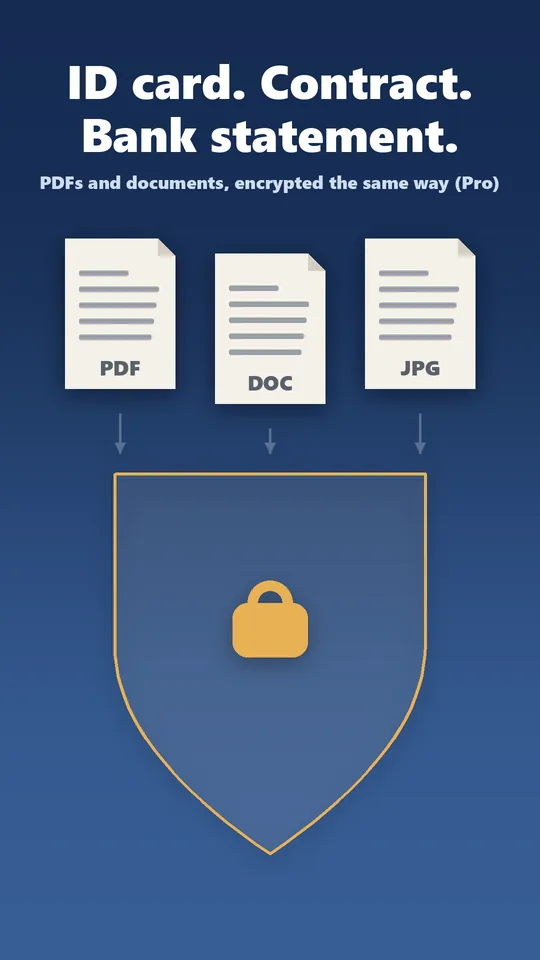
PDFs, documents, ID cards, contracts. Opens safely in other apps without leaving a permanent plaintext copy behind.
Break-in photo Pro
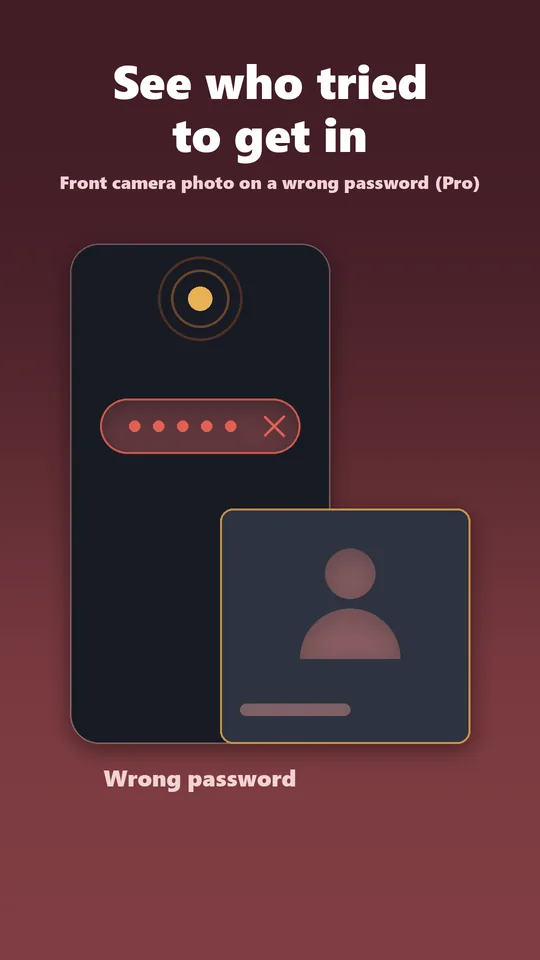
Anyone who enters the wrong password three times is photographed by the front camera. The picture is stored encrypted in the log, with a timestamp, and never leaves the device.
Recycle bin Pro
Deleted items stay recoverable for 30 days. After that the app cleans up by itself.
The home screen says: Calculator
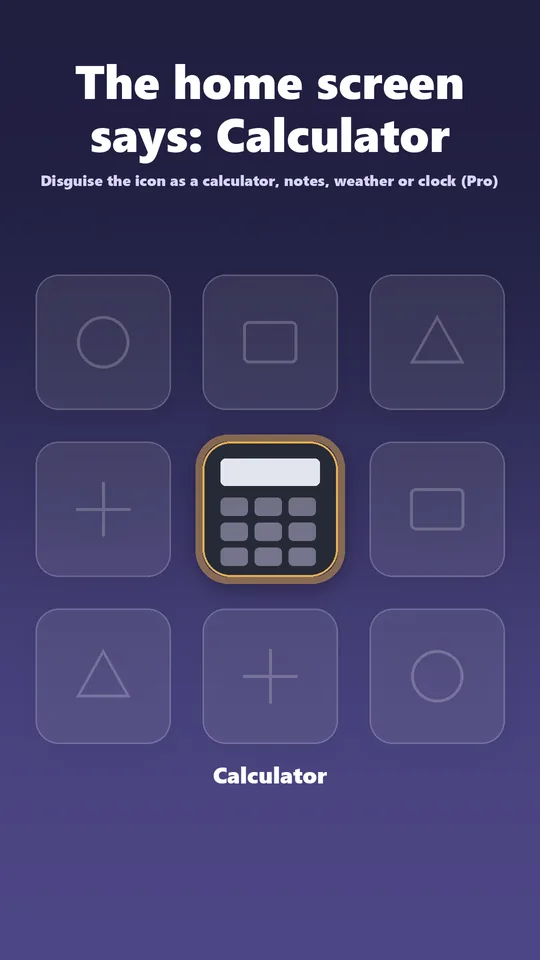
With Pro the app icon can be disguised as a calculator, notes, weather or clock. The name under the icon changes with it. The home screen then does not say Vault Pure.
Screenshots from the store
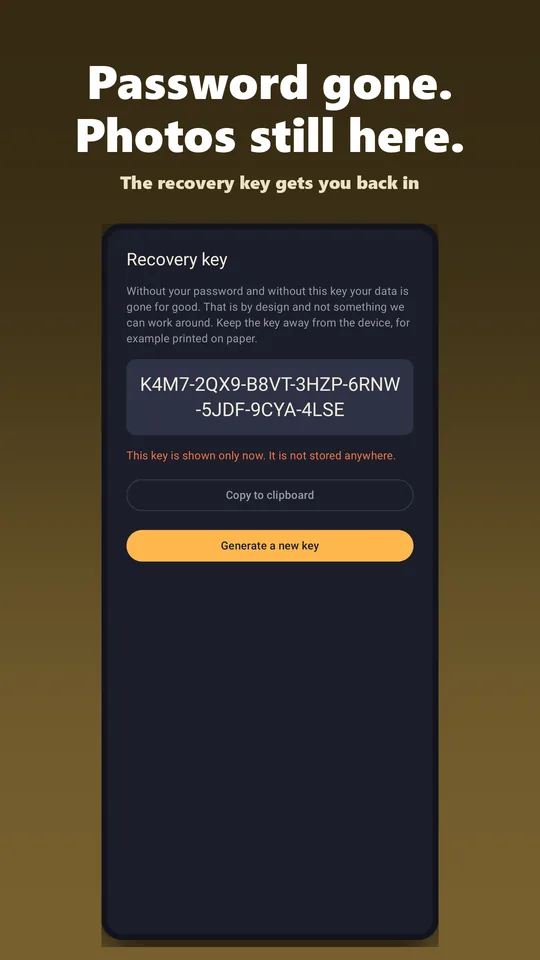
Password gone. Photos still there.
The recovery key gets you back into your vault. At no extra cost, because losing access to your own photos is not a premium problem.
This is what a key looks like
XXXX-XXXX-XXXX-XXXX-XXXX-XXXX-XXXX
It is shown once and stored nowhere. Write it down during setup and keep it away from the device.
To be honest about it: if you lose both your password and your recovery key, the data is gone. That is the property that makes a vault a vault, and nothing we could work around.
Free and Pro
The encrypted vault works without a purchase. Pro is a one-time purchase of €6.99. No subscription, no follow-up costs.
Free
- Encrypted vault for as many photos and videos as you like
- Albums, full screen, video playback
- Fingerprint
- Recovery key
- Uninstall protection
Pro, one-time €6.99
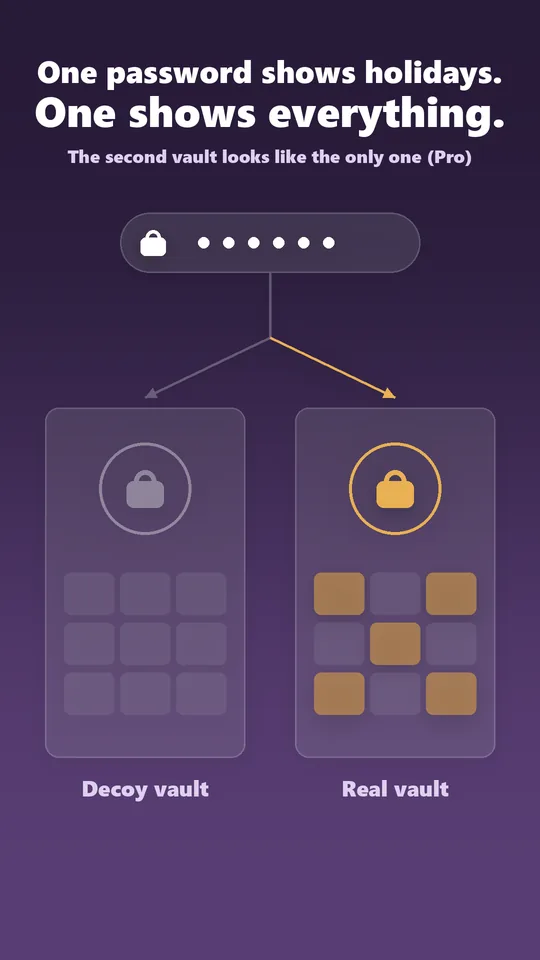
- Decoy vault with a second password
- Disguised app icon
- Secure camera
- File vault
- Break-in photo
- Recycle bin
Common questions
How do I hide photos on my phone?
Import them into the vault. They are encrypted on the way in and removed from your normal gallery. No renaming, no hidden folder that any file manager can find.
Why is there no cloud?
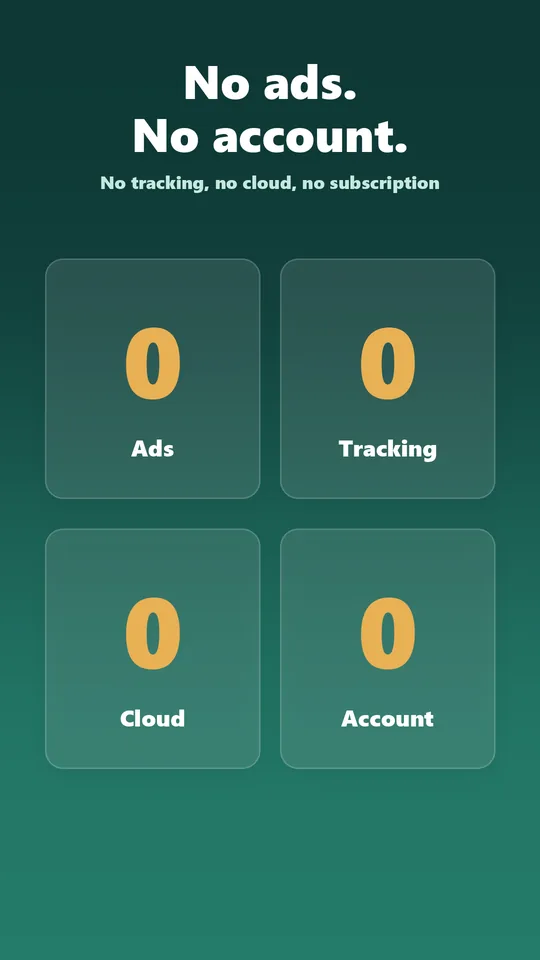
Because a vault whose contents are stored somewhere else is no longer a vault. You create backups yourself as a local file. The app never asks for an account because it does not need one.
Can anyone tell that a decoy vault is set up?
No. A second password opens a harmless looking vault, and the app never shows whether one exists at all. If you could read it there, so could anyone else.
Can anyone tell the app is a vault?
Only if you want them to. With Pro the icon carries the name and the look of a calculator, notes, weather or clock app.
Do I need an internet connection?
No. The app works entirely offline. Only the one-time Pro purchase goes through Google Play.